Imagine you are building an online store. Customers browse products, place orders, and check their purchase history. At the same time, admins need to look up orders and monitor the ones that are still being processed.
The real question is: how should you organize that data?
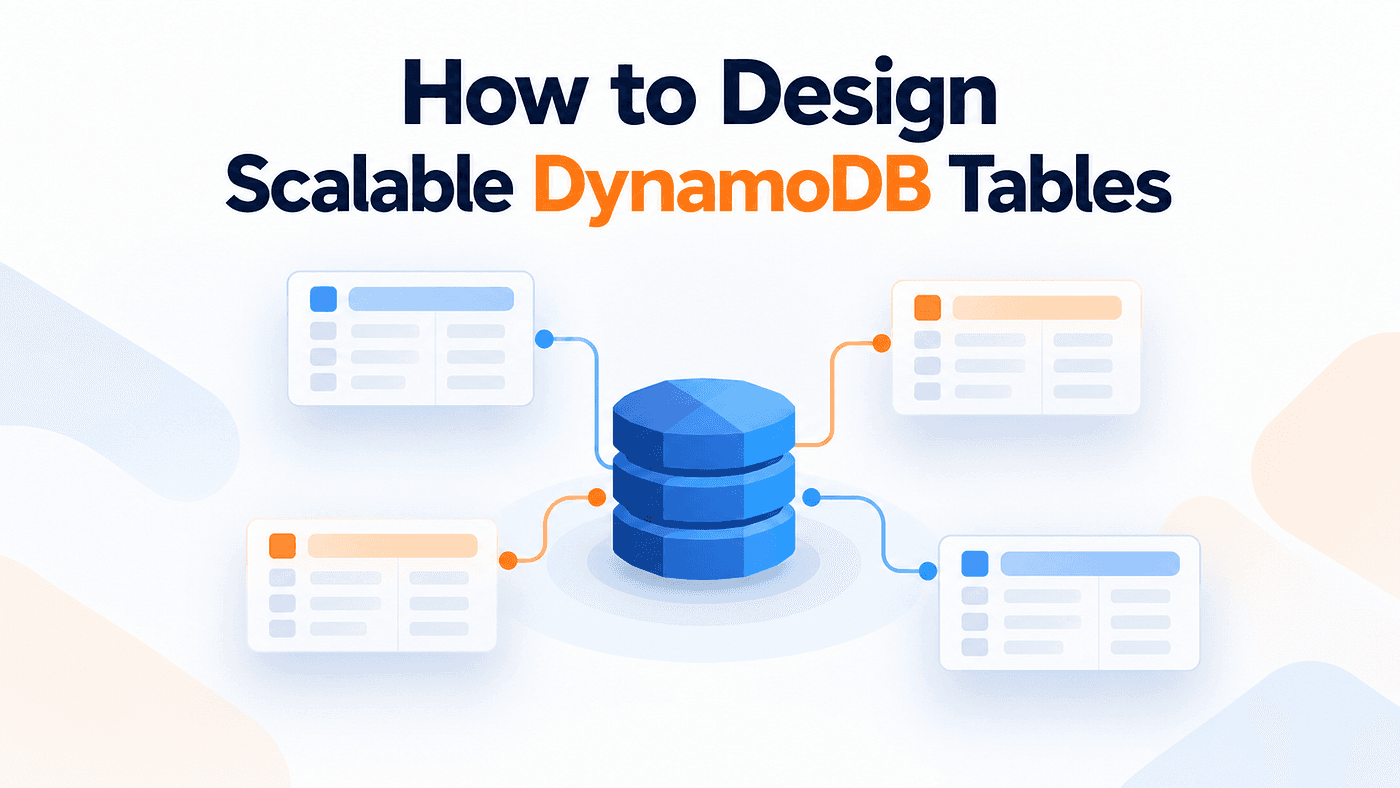
If you are used to relational databases, your first instinct may be to create separate tables and connect them with foreign keys. But DynamoDB works differently. Instead of designing the tables first, you start by thinking about the queries your application needs to support. Your key design determines which queries DynamoDB can handle efficiently.
Start With Access Patterns
Before designing a DynamoDB table, first understand how the application will use the data. In our store, customers need to view their profile and order history. Admins need to find individual orders and monitor orders that are still being processed.
Each of these is an access pattern. It describes how the application reads or writes data. Writing these access patterns down early makes the rest of the design much easier.
For our shopping application, the main access patterns are:
- Customer profile: Find a customer by customer ID.
- Recent orders: Get the latest 20 orders for a customer.
- Order history: Find a customer’s orders within a date range.
- Order lookup: Find an order using its order ID.
- Open orders: List orders that are still being processed.
Why Do These Details Matter?
Compare these two requirements:
- Get customer orders.
- Get the latest 20 orders for a customer, newest first.
The first tells us what data we want, but not much about how it should be returned. The second gives us more useful information.
We are retrieving orders for one customer, so the customer ID is a good candidate for the partition key. We also want the newest orders first, so the order timestamp belongs in the sort key. Now the key design begins to take shape.
With the customer ID grouping the orders and the timestamp keeping them in order, DynamoDB can return the latest orders directly without scanning the entire table.
Frequency matters too. A query that runs thousands of times an hour deserves more attention than an admin report that runs once a day. The goal is not only to know what data the application needs. You also need to understand how often that data will be requested and how it needs to be returned.
Design Keys Around Your Queries
Once the access patterns are clear, the key design usually becomes much easier.
Start With Customer Profiles
The first requirement is simple: find a customer by ID. A Customers table can use customerId as the partition key.
Table: Customers

customerId
----------
123
456
789
Every customer has a unique ID, so a GetItem request using customerId = 123 can return that customer’s profile directly. There is no need for a sort key here.
Design Keys for Customer Orders
Orders are a little more interesting. One customer can place many orders, and we need to retrieve those orders efficiently.
For this, we can create an Orders table with a partition key and a sort key.
Table: Orders

PK             SK
-------------  ------------------------------
CUSTOMER#123   2026-09-10T08:12:44Z#A102
CUSTOMER#123   2026-09-18T19:03:10Z#A117
CUSTOMER#123   2026-10-02T14:31:07Z#A145
The partition key groups all orders belonging to the same customer. The sort key contains the order timestamp followed by the order ID. The CUSTOMER# prefix is simply a naming convention that makes the purpose of the key easier to recognize when reading the data.
This structure supports several access patterns:
- Get customer orders: Query with PK = CUSTOMER#123.
- Get recent orders: Use ScanIndexForward: false and Limit: 20.
- Get orders within a date range: Use a BETWEEN condition on the sort key with timestamp boundaries.
The customer ID finds the group of orders, while the timestamp determines their order. Each part of the key has a clear job.
An Alternative: Single-Table Design
Now imagine the application often needs a customer’s profile and their orders together. Instead of keeping them in separate tables, you could store both types of items in the same table. This is one example of single-table design.
Table: Ecommerce

PK             SK
-------------  ----------------------------------
CUSTOMER#123   PROFILE
CUSTOMER#123   ORDER#2026-09-10T08:12:44Z#A102
CUSTOMER#123   ORDER#2026-09-18T19:03:10Z#A117
CUSTOMER#123   ORDER#2026-10-02T14:31:07Z#A145
All four items share the same partition key, which creates an item collection for the customer. The sort key prefixes, such as PROFILE and ORDER#, distinguish the different item types.
With this structure, you can:
- Get the profile and orders together by querying PK = CUSTOMER#123.
- Get only the orders with begins_with(SK, “ORDER#”).
- Get only the profile with GetItem using PK = CUSTOMER#123 and SK = PROFILE.
Both separate-table and single-table designs can work. Separate tables are often easier to understand when different entities have very different access patterns. Single-table design can be useful when related data is frequently read together.
The important point is not to force everything into one table or always separate everything into multiple tables. Choose the structure that best supports the application’s access patterns.
Make Sort Keys Work for You
Let’s return to the Orders table. We used the customer ID as the partition key and combined the order timestamp with the order ID in the sort key.
PK = CUSTOMER#123
SK = 2026-10-02T14:31:07Z#A145
CUSTOMER#123 tells us which customer the order belongs to. The sort key tells us when the order was created and includes the unique order ID, A145.
Why include the order ID? Two orders could be created at the same recorded timestamp. If the timestamp were the entire sort key, both items would end up with the same composite primary key. Adding the order ID keeps each order unique.
DynamoDB returns items with the same partition key in sort-key order. Because these timestamps use a consistent ISO 8601 format, their string order also follows chronological order. That makes it easy to retrieve the newest orders first.
For example:
const result = await db.send(
  new QueryCommand({
    TableName: "Orders",
    KeyConditionExpression: "PK = :pk",
    ExpressionAttributeValues: {
      ":pk": "CUSTOMER#123",
    },
    ScanIndexForward: false,
    Limit: 20,
  })
);
The partition key limits the query to one customer’s orders. ScanIndexForward: false reverses the normal sort-key order, so the newest orders are returned first.
Limit: 20 tells DynamoDB to evaluate up to 20 items for that request. A single Query response is also limited to 1 MB of data. If DynamoDB has more items to return, the response includes a LastEvaluatedKey, which can be used to continue the query on the next page.
The same sort-key structure can also support date-range queries with BETWEEN, as long as the range boundaries follow the same timestamp#orderId format.
Model Relationships Without Joins
So far, we have worked with customers and orders. But orders also contain products. One order can contain multiple products, and the same product can appear in many different orders.
That gives us a many-to-many relationship.
In a relational database, you might handle this with a join table. DynamoDB does not provide joins through the Query API, so relationships are usually modeled directly in the data.
One option is an OrderItems table.
Table: OrderItems

PK          SK
----------- -------------
ORDER#A145  PRODUCT#P9
ORDER#A145  PRODUCT#P31
ORDER#A153  PRODUCT#P9
Each item represents one relationship between an order and a product. The partition key identifies the order, while the sort key identifies the product.
You can also store extra information on the item, such as quantity or the price paid at the time of purchase.
Querying:
PK = ORDER#A145
Returns every product in that order.
That handles one direction of the relationship. But what if we want to ask the reverse question: which orders contain product P9?
The existing primary key cannot answer that efficiently. That is where a Global Secondary Index becomes useful.
Use GSIs for Additional Queries
Sometimes the table’s primary key is not enough for every query your application needs.
A Global Secondary Index, or GSI, gives you another way to query the same data using a different key structure.
For the OrderItems table, the primary key lets us start with an order and find its products.
Base table: OrderItems

PK          SK
----------- -------------
ORDER#A145  PRODUCT#P9
ORDER#A145  PRODUCT#P31
ORDER#A153  PRODUCT#P9
But what if we need the reverse query: which orders contain product P9?
We can add a GSI that uses the product as the partition key and the order as the sort key.
GSI: ProductOrdersIndex

Index PK      Index SK
------------  -------------
PRODUCT#P9    ORDER#A145
PRODUCT#P9    ORDER#A153
PRODUCT#P31   ORDER#A145
Now a query with:
Index PK = PRODUCT#P9
returns the orders that contain that product.
The important point is that the base table has not changed. The GSI simply gives the application another access path to the same items.
The same idea can support other queries too. For example, if the Orders table is grouped by customer ID, a GSI with orderId as its partition key lets you find an order A145 without knowing which customer placed it.
GSIs are useful, but they also add cost. They use additional storage, receive updates when indexed data changes, and reads from a GSI are eventually consistent. You also need to think about traffic distribution. If many requests target the same index key, such as OPEN, that key can become heavily concentrated.
The rule is simple: use a GSI when an important access pattern cannot be handled efficiently by the table’s primary key.
How It All Comes Together
The pieces now fit together. Partition keys decide which group of items DynamoDB should look at. Sort keys organize items within that group and allow ordered or range-based queries. GSIs provide additional access paths when the primary key is not enough.
For our shopping application, we created structures for customers, orders, and order-product relationships. We also explored single-table design, where related records share the same table and partition so they can be retrieved together.
No single design works for every application. Separate tables can be easier to understand and maintain, while single-table design can be useful when related data is frequently accessed together.
What matters is whether the design supports the queries your application needs as traffic and data volume grow.
The Key Takeaway
Before designing a DynamoDB table, keep these points in mind:
- Start with access patterns. Understand what the application needs to read and write before choosing the keys.
- Give each key a purpose. Use partition keys to group related data and sort keys to support ordering and range queries.
- Use GSIs when the primary key is not enough. They provide additional ways to access the same data.
- Think about traffic and growth. Consider how requests will be distributed across keys and how the design will behave as the application grows.
In DynamoDB, keys are more than identifiers. They are the access paths your application depends on, and designing them well starts before you write the first item.