Everything was working. The application was growing, new features were being added, and one of our Lambda functions had gradually accumulated permissions across several AWS services and resources. Nothing unusual. The function genuinely needed those permissions. Then one day, a deployment failed. There was no obvious problem with the Lambda code. No missing resource. No invalid action. No application error.
The problem was much stranger. The IAM policy had become too large. That sent me looking into an AWS limit I had never needed to think about before.
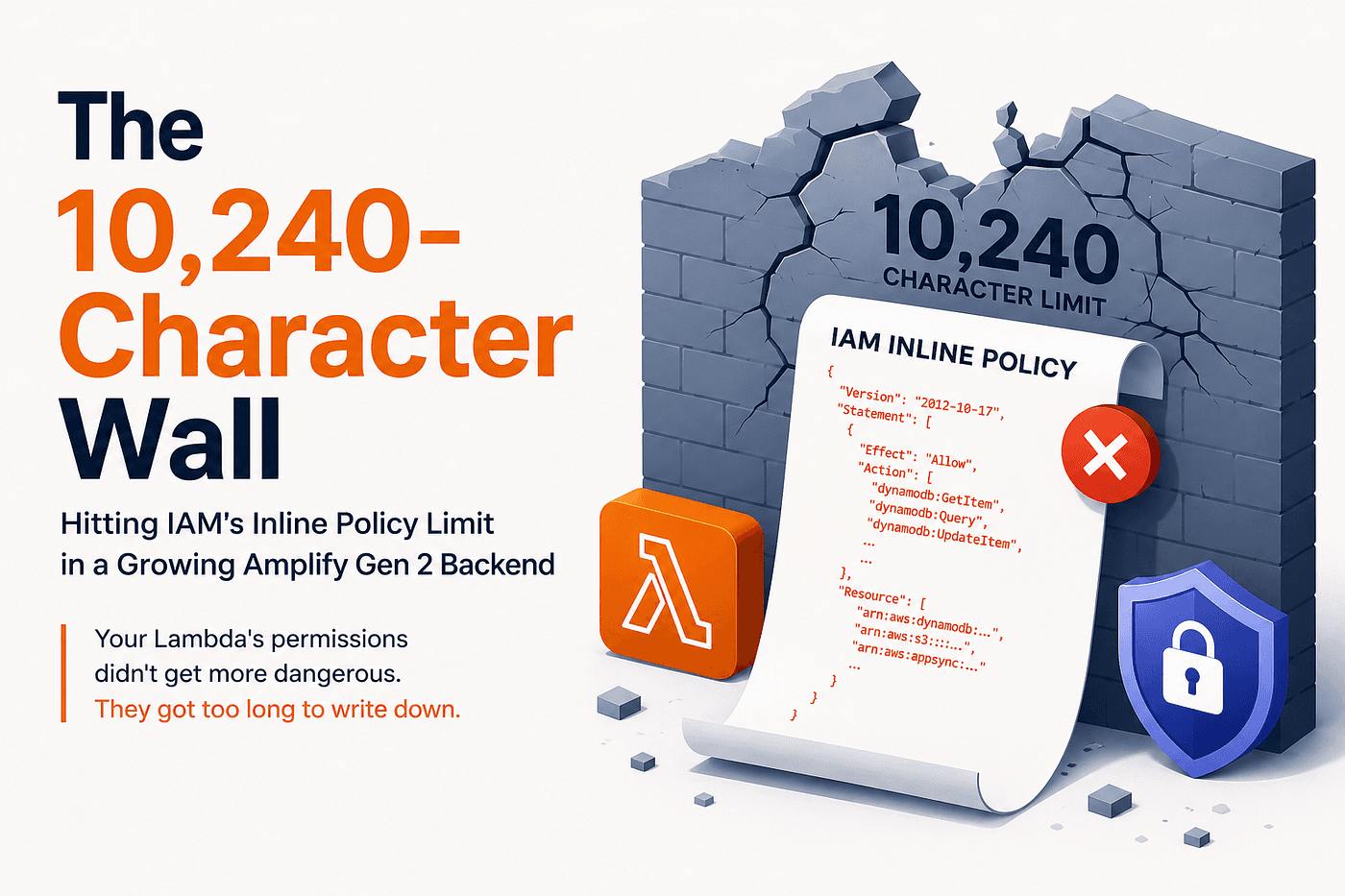
The 10,240 Character Wall
AWS IAM has a hard limit on the combined size of inline policies attached to a single role of 10240 characters. And that limit is not based on how many policy files you create. It is the combined size of all inline policies attached to that role. Every action, resource ARN, statement, bracket, and other part of the policy document contributes to that size. Whitespace doesn’t count, but the actual policy content does.
So a Lambda that starts with a small set of permissions might look like this:
Lambda
  │
  └── A few resources
         │
         └── Small IAM policy
But as the application grows:
Lambda
  │
  ├── More DynamoDB tables
  ├── More indexes
  ├── S3 access
  ├── AppSync access
  └── Other service permissions
         │
         ↓
  Larger IAM policy
         │
         ↓
  10,240 characters
         │
         ↓
   Deployment fails
The interesting part is that the Lambda isn’t necessarily doing anything wrong. It’s permissions can be completely legitimate. The problem is simply how those permissions are represented in the role.
The Part I Initially Overlooked is Amplify Gen 2
This becomes particularly interesting when working with an AWS Amplify Gen 2 backend. Amplify can generate and attach its own inline policies to a function’s execution role based on the resources and capabilities configured in the backend. That means your custom permissions aren’t necessarily starting with a completely empty budget. Amplify may already be using part of the role’s inline-policy space before you add your own policy statements. For a small function, this is something you may never notice. But as a function’s IAM footprint grows, the difference becomes important.
More resources mean more ARNs. More indexes mean more resource entries. More services mean more actions. And eventually, the policy can hit the role’s inline-policy limit. That’s exactly the kind of AWS limitation that can remain invisible for months and then suddenly become the reason your deployment fails.
The Obvious Fix Wasn’t the Right Fix
When you see a policy-size error, the first thing you might think will be, “I need fewer permissions.” And sometimes that’s absolutely the right thing to investigate. Unused permissions should be removed. Resources should be scoped as narrowly as possible. Large functions may sometimes need to be split into smaller responsibilities. But in this case, the permissions were legitimate. The Lambda actually needed them. So instead of asking “How can I remove permissions?”, the better question became “Do these permissions have to be stored as inline policies?” That changed everything.
The Fix : Change How the Policy is Attached
The solution was surprisingly simple. Instead of creating an inline policy like this;
const s3ReadPolicy = new iam.Policy(stack, 'S3ReadPolicy', {
     statements: [
         // ...
     ],
});
lambdaRole.attachInlinePolicy(s3ReadPolicy);
we moved the permissions into a customer managed policy like this;
const s3ManagedPolicy = new iam.ManagedPolicy(
    stack,
    'S3ManagedPolicy',
    {
      statements: [
        // ...
      ],
    }
 );
lambdaRole.addManagedPolicy(s3ManagedPolicy);
The important part is that the permissions themselves didn’t fundamentally change. We changed where the policy lived. An inline policy is embedded into the IAM role and contributes to that role’s shared inline policy size.
A customer managed policy is a separate IAM object with its own policy-size limit and is attached to the role. That gave the custom permissions their own space instead of making them compete with the inline policies already associated with the role.
According to the limits involved in this scenario, a customer managed policy has a 6144 character policy document limit, while the role’s combined inline policy limit is 10240 characters. A role can also have a limited number of managed policies attached to it, so simply moving everything into managed policies isn’t the end of the design problem. And that led me to the second lesson.
Don’t Create One Policy for Every Resource
Once we moved the custom permissions into managed policies, there was another problem. Should we create one managed policy for every table or resource? That way works for a while. But it doesn’t scale particularly well.
Imagine a function with permissions like this:
Policy → Table A
Policy → Table B
Policy → Table C
Policy → Table D
Policy → Table E
...
As the application grows, the number of policies grows with the number of resources. Eventually, you can run into another limit, the number of managed policies that can be attached to a role. Instead, a better approach is to think in terms of domains or use cases.
For example:
                Lambda
                   │
        ┌──────────┼──────────┐
        ↓          ↓          ↓
   Domain A   Domain B   Domain C
    Policy     Policy     Policy
Resources that belong to the same functional area can be grouped together. This reduces the number of policies while keeping each policy small enough to stay within it’s own limit. In our case, multiple narrow policies were consolidated into a smaller number of domain based managed policies. We also extracted repeated IAM action definitions instead of repeating the same action strings throughout multiple policy definitions.
It sounds like a small optimization, but when you’re working against a hard character limit, small reductions can matter.
What I Learned
This experience changed the way I think about IAM policies. Previously, I mostly thought about IAM in terms of “Does this Lambda have the permissions it needs?” Now I also think about, “How are those permissions represented and how will that representation scale?”
Lessons we can learn from this situation:
1. IAM limits can become scaling problems
Your application doesn’t have to be huge to encounter an AWS limit. A single Lambda with a growing number of resources can eventually accumulate enough permissions to hit a policy-size constraint.
2. Legitimate permissions can still create deployment problems
Hitting an IAM policy-size limit doesn’t automatically mean your function has excessive permissions. Sometimes the permissions are correct, but the policy structure isn’t scaling well.
3. Managed policies can provide a better boundary for growing custom permissions
When custom permissions are expected to grow, customer-managed policies can separate those permissions from the role’s shared inline-policy budget.
4. Group policies by responsibility
Creating one policy per resource may feel organized at first, but grouping related permissions by domain or use case can scale better.
5. Don’t wait for the deployment to teach you about limits
This was probably the biggest lesson. Some AWS limits don’t appear in performance testing. They don’t necessarily appear in security reviews. They simply appear one day when the deployment refuses to continue.
Conclusion
AWS has an enormous number of services, features, quotas, and limits. Most of them don’t matter when you’re starting out. That’s what makes them easy to overlook. But as an application grows, the way you structure your infrastructure becomes just as important as the application code itself. In this case, the solution wasn’t to make the Lambda do less. It was to structure its permissions differently. The permissions didn’t become too dangerous. They became too long to write down. And sometimes, that’s all it takes for a perfectly reasonable deployment to hit an invisible wall.