S3 is that one AWS service everyone uses because it’s easy to use. Upload file, get URL, move on. But sooner or later someone hits you with the responsible question:
“Are those objects encrypted?”
And and now you’re stuck choosing between SSE-S3, SSE-KMS, SSE-C, and client-side encryption ,all of them sounding correct until you actually have to explain your choice.
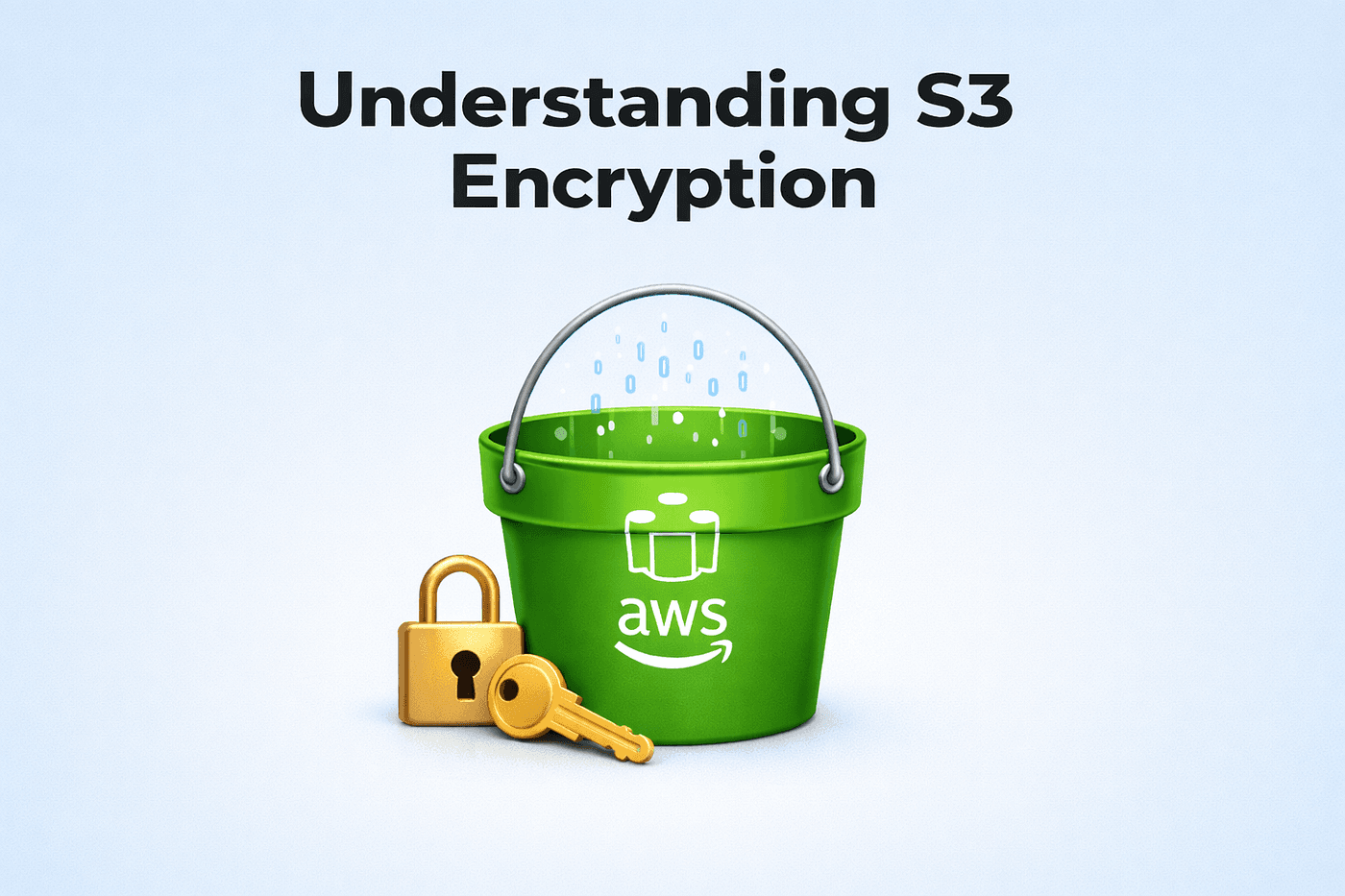
So let’s talk about Amazon S3 Object Encryption, what the options actually mean, and which one you should pick.
What “S3 object encryption” really means
When we say “encrypt objects in S3”, we’re mainly talking about encryption at rest:
- Your file is stored in S3 in encrypted form
- When someone downloads it (with permission), it’s decrypted transparently (server-side), or by your app (client-side)
S3 supports two big approaches:
- Server-Side Encryption (SSE)
- Client-Side Encryption
Let’s go through them the same way you’d explain it to your teammate at 2AM before a demo.
Server-Side Encryption (SSE)
This is the “AWS will encrypt it after it reaches S3” model.
You upload normally → S3 encrypts it → S3 stores it encrypted.
SSE comes in three actual types:
- SSE-S3
- SSE-KMS
- SSE-C
1) SSE-S3 (S3-managed keys)
This is the simplest and most common.
- AWS manages the keys for you
- Uses strong encryption (AES-256)
- You don’t deal with KMS policies, key rotation, anything
Why it’s nice
- Quick to enable
- Great default for “just make it encrypted”
Tradeoff
- Less control/auditing around key usage compared to KMS
Use SSE-S3 when
- You want encryption at rest with minimal effort
- You don’t need deep compliance controls
Mini example ,upload with SSE-S3 (AWS CLI)
aws s3api put-object \
  --bucket my-bucket \
  --key reports/jan.pdf \
  --body jan.pdf \
  --server-side-encryption AES256
2) SSE-KMS (KMS-managed keys)
This is the “grown-up” option.
- Encryption keys are managed by AWS KMS
You can use:
- AWS-managed KMS key (like
aws/s3), or - Customer-managed KMS key (your custom key) for more control with extra cost
Why teams like it
- Fine-grained access control (IAM + KMS key policies)
- Audit logs (CloudTrail shows key usage)
- Better fit for regulated environments
Tradeoffs
- More setup than SSE-S3
- KMS calls can add cost and complexity compared to SSE-S3
Use SSE-KMS when
- You need auditability + stricter control
- Multiple teams/services access the same bucket and you want policy clarity
Mini example — upload with SSE-KMS (AWS CLI)
aws s3api put-object \
  --bucket my-bucket \
  --key exports/user-123.csv \
  --body user-123.csv \
  --server-side-encryption aws:kms \
  --ssekms-key-id arn:aws:kms:REGION:ACCOUNT:key/KEY_ID
New type: DSSE-KMS (Dual-layer SSE with KMS)
DSSE-KMS is basically SSE-KMS, but with two independent encryption layers (AES-256), designed for situations where compliance requires multilayer encryption.
Reality check: DSSE-KMS can add extra overhead and cost compared to SSE-KMS, because it does more encryption work.
One more gotcha: S3 Bucket Keys aren’t supported for DSSE-KMS.
Mini example — upload with DSSE-KMS (AWS CLI)
aws s3api put-object \
  --bucket my-bucket \
  --key exports/strict-report.csv \
  --body strict-report.csv \
  --server-side-encryption aws:kms:dsse \
  --ssekms-key-id arn:aws:kms:REGION:ACCOUNT:key/KEY_ID
(If you don’t pass a key id, S3 can fall back to the AWS-managed key depending on the API/client behavior.)
3) SSE-C (Customer-provided keys)
This one is for teams who want AWS to store the encrypted object but not manage the key.
- You provide the encryption key with every request
- AWS encrypts/decrypts the object using that key
- AWS does not store your key
Why it’s risky
- If you lose the key, your data is basically locked forever
- You must handle key storage + rotation + access
- Every upload/download needs SSE-C headers
Important reality check
- SSE-C is not supported in the Amazon S3 Console for object operations (upload/update).
So if you want SSE-C, you must use AWS CLI / SDK / REST API because you must pass SSE-C headers on requests. - You cannot set SSE-C as default bucket encryption (it’s per-object only).
- Starting April 2026, AWS plans to disable SSE-C by default for new buckets (and some existing accounts without SSE-C data). If you truly need it, you must explicitly enable SSE-C usage via
PutBucketEncryption, then still send SSE-C headers per request.
SSE-C in one sentence:
You get control, but you also inherit responsibility (and stress).
Client-Side Encryption (you encrypt before upload)
Now the “zero trust storage box” approach.
With client-side encryption:
- Your app encrypts the data before sending it to S3
- S3 stores only ciphertext
- Your app decrypts after download (if it has the key)
Why it’s powerful
- AWS never sees plaintext
- Even if an object is exposed, it’s still unreadable without your key
Tradeoffs
- More engineering work
- Key management is fully your responsibility
- You need to handle rotation, access control patterns, etc.
Typical tooling
- AWS Encryption SDK
- Custom crypto libraries + KMS “envelope encryption” patterns
What you should not do (common mistakes)
Here’s where a lot of S3 encryption setups go wrong:
- Assuming “S3 is encrypted by default” means you’re done
Even if encryption is enabled, you still need to consider who can decrypt and how keys are controlled. - Using SSE-KMS but ignoring KMS permissions
You can lock yourself out (or accidentally allow too much) if KMS key policies and IAM aren’t aligned. - Trying SSE-C without a strong key system
If you don’t already have secure key storage and rotation practices, SSE-C is pain. - Client-side encryption with weak key handling
Encryption is only as strong as how you store the key (hardcoding keys = instant fail).
Quick decision guide (pick fast)
- Want simple “encrypted at rest”? → SSE-S3
- Need compliance + audit logs + key control? → SSE-KMS
- Must supply your own keys to AWS every time? → SSE-C
- Need AWS to never see plaintext? → Client-side encryption
When which options make sense in a real project
Let’s say you’re creating a system like:
- Users upload PDFs
- You process them
- You store results in S3
- You have admin downloads + long-term storage
A practical setup could be:
- SSE-KMS for sensitive documents (audit + controlled access)
- SSE-S3 for low-risk public assets (thumbnails, static content)
- Client-side encryption for “we can’t risk plaintext exposure” data (if required)
Final thought
S3 encryption isn’t just a checkbox. It’s a design choice.
If you remember one thing from this article, make it this:
When you choose S3 encryption, don’t just ask:
“Is it encrypted?”
Ask specific:
“Who controls the keys, who can decrypt, and what happens when something goes wrong?”